
What is the best laptop under ₹50,000 in India in 2026?
Sub-₹50,000 Laptop Architecture: Processors, Memory & Screen Ergonomics
The sub-₹50,000 laptop market in India has undergone a massive quality upgrade. Historically dominated by sluggish dual-core processors, washed-out 768p TN panels, and inadequate 4GB RAM sticks, today's ₹40,000 to ₹50,000 tier offers genuine desktop-class performance.
Powered by 6-core to 10-core processors like AMD's Ryzen 5 7530U and Intel's 12th/13th Gen Core i5 architectures, paired with standard 16GB high-speed memory and fast NVMe PCIe Gen 4 solid-state drives, these laptops handle programming IDEs (VS Code, Android Studio), heavy financial spreadsheets, and video conferencing with zero lag.
Interactive Laptop Matcher & Spec Filter
Find the ideal laptop under ₹50,000 customized for your workflow, processor preference, and memory requirements

AMD Ryzen 5 7530U (6 Cores / 12 Threads, Up to 4.5 GHz)
Best 16:10 Productivity Display, Coding & Everyday Office Work
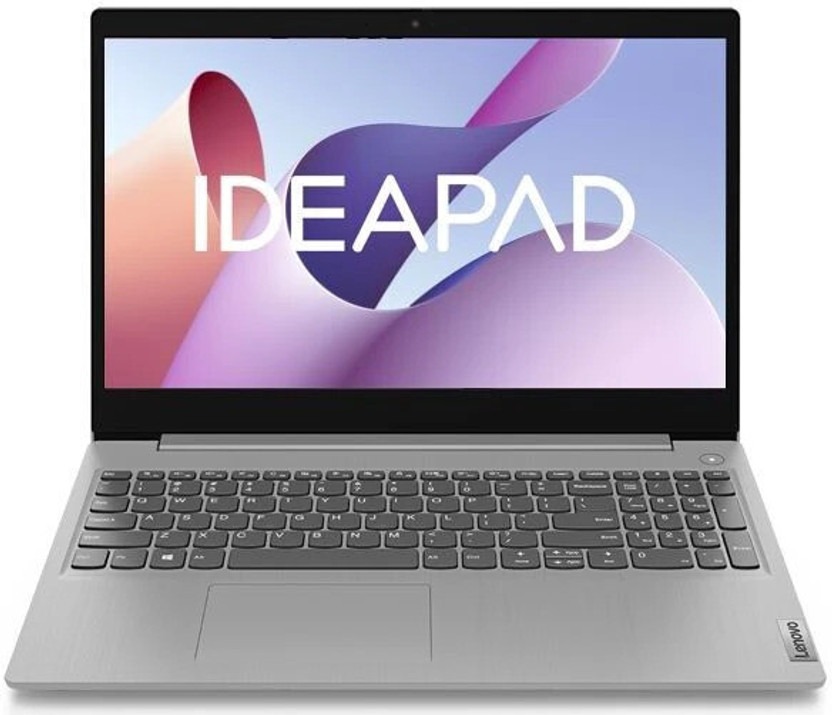
Intel Core i5-12450H (8 Cores / 12 Threads, Up to 4.4 GHz)
Heavy Multitasking, Fast Compiling & High-Performance 'H-Series' Power

Intel Core i5-1235U (10 Cores, 12 Threads, Up to 4.4 GHz)
Best Value Under ₹42,000 with Premium Metal Top Cover
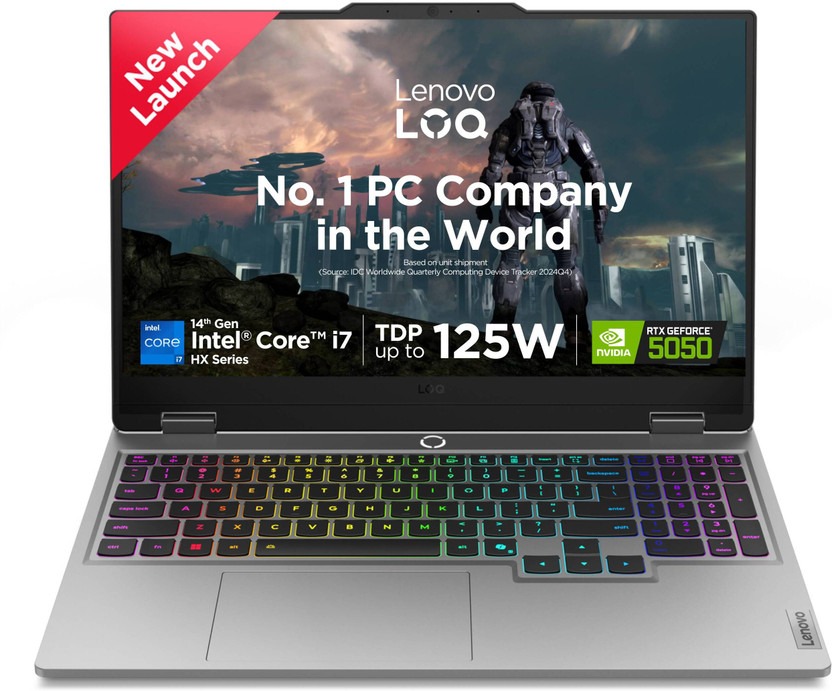
Intel Core i5-12450H High-Performance Processor
All-Metal Premium Build, Marathon Battery Life & USB-C Fast Charging
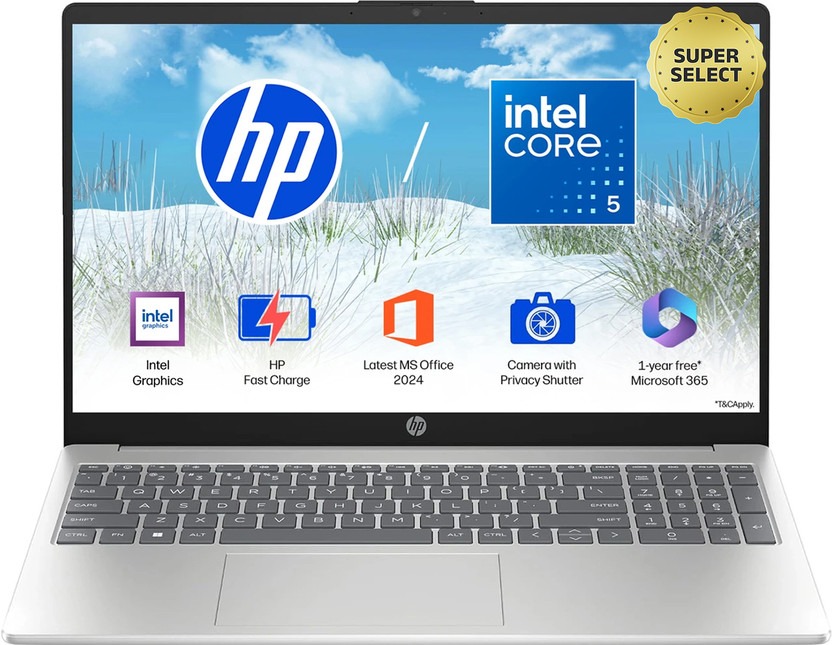
Intel Core i5-1235U (10 Cores, Intel Iris Xe Graphics)
Nationwide Service Reliability, Lifetime MS Office & Corporate Dependability
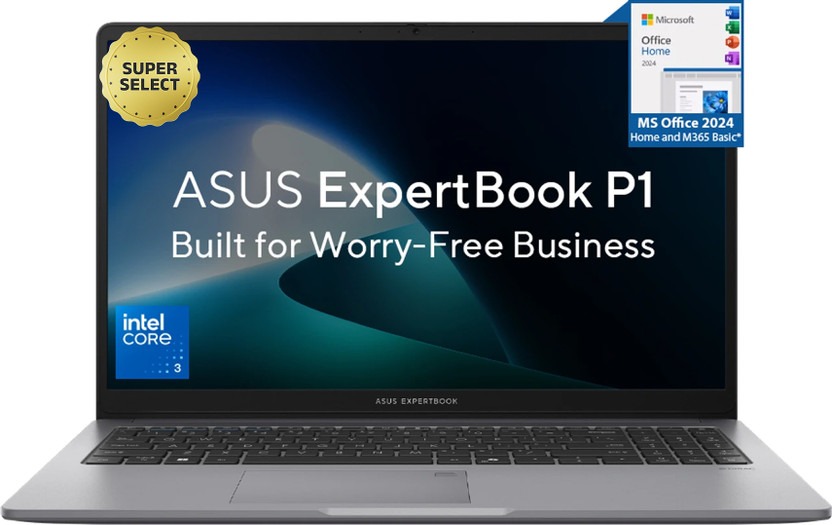
Intel Core i5-1235U (10 Cores, Up to 4.4 GHz)
Smooth 120Hz Display Refresh Rate & Ergonomic Typing Lift Hinge

AMD Ryzen 5 7520U Quad-Core (4nm, Up to 4.3 GHz)
Sub-₹40,000 Budget Buyers Needing 16GB Fast LPDDR5 RAM
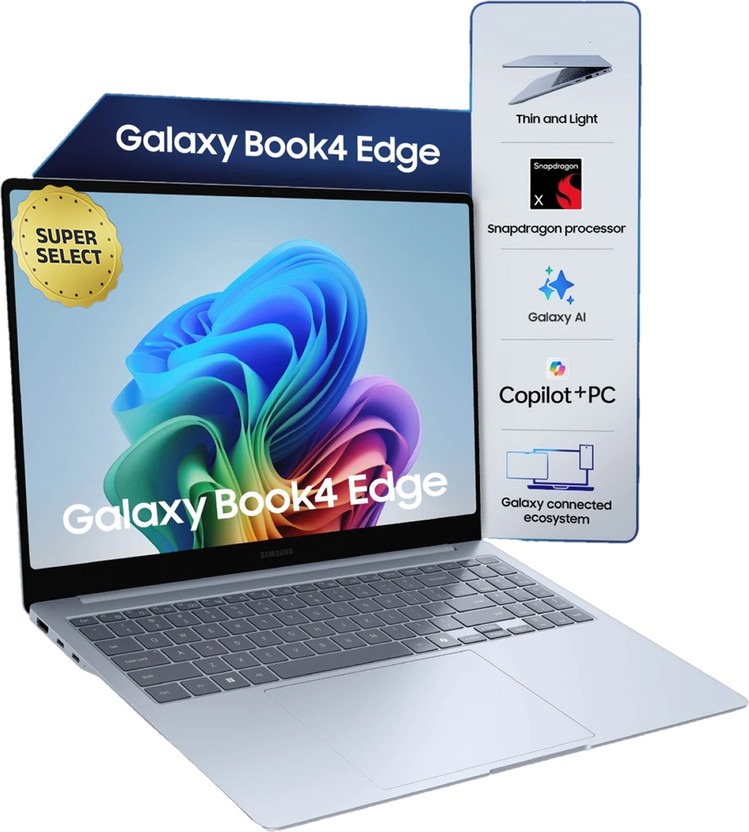
Intel Core i5-1235U / AMD Ryzen 5 Processor
Commercial Durability, Spill-Resistant Keyboard & Small Business Accounts
ASUS Vivobook 16 (Ryzen 5 7530U, 16GB RAM, 512GB SSD)
16:10 Productivity Display • 16GB RAM • MIL-STD-810H Durability • 65W Fast Charge
Master Comparison Matrix: Top 8 Laptops Under ₹50,000 in India
| Rank & Model | Processor (CPU) | Display Size & Panel | RAM & Storage | Battery & Weight | Price | Compare & Buy |
|---|---|---|---|---|---|---|
1Vivobook 16ASUS | AMD Ryzen 5 7530U (6 Cores / 12 Threads, Up to 4.5 GHz) | 16-inch 16:10 WUXGA (1920x1200) IPS Anti-Glare (300 Nits) | 16GB DDR4 RAM + 512GB PCIe 4.0 NVMe SSD | Up to 8 Hours (42Wh) + 65W Fast Charge | ₹46,990 | |
2IdeaPad Slim 3Lenovo | Intel Core i5-12450H (8 Cores / 12 Threads, Up to 4.4 GHz) | 15.6-inch FHD (1920x1080) IPS Anti-Glare (300 Nits) | 16GB LPDDR5 4800MHz RAM + 512GB NVMe SSD | Up to 6 Hours (47Wh) + Rapid Charge Boost | ₹48,990 | |
3Aspire Lite 15Acer | Intel Core i5-1235U (10 Cores, 12 Threads, Up to 4.4 GHz) | 15.6-inch FHD (1920x1080) Anti-Glare Display | 16GB Dual-Channel RAM + 512GB NVMe SSD (Expandable) | Up to 7 Hours (36Wh / 45Wh) | ₹41,990 | |
4MagicBook X16Honor | Intel Core i5-12450H High-Performance Processor | 16-inch FHD IPS Eye Comfort Display (TÜV Rheinland Certified) | 16GB LPDDR4x RAM + 512GB PCIe SSD | Up to 9 Hours (60Wh Large Battery) + 65W Type-C Charge | ₹44,990 | |
5HP 15s Core i5HP | Intel Core i5-1235U (10 Cores, Intel Iris Xe Graphics) | 15.6-inch FHD Micro-Edge Display (250 Nits) | 16GB DDR4 RAM + 512GB NVMe M.2 SSD | Up to 7 Hours (41Wh) + HP Fast Charge | ₹49,990 | |
6Dell 15 i5Dell | Intel Core i5-1235U (10 Cores, Up to 4.4 GHz) | 15.6-inch FHD 120Hz WVA Display (250 Nits) | 8GB RAM (Upgradeable to 16GB) + 512GB SSD | Up to 6 Hours (41Wh) + ExpressCharge | ₹47,490 | |
7Aspire 3 RyzenAcer | AMD Ryzen 5 7520U Quad-Core (4nm, Up to 4.3 GHz) | 15.6-inch FHD Acer ComfyView LED Display | 16GB LPDDR5 RAM + 512GB NVMe SSD | Up to 9 Hours (40Wh) + Optimized Thermal Exhaust | ₹39,990 | |
8Lenovo V15 G3Lenovo | Intel Core i5-1235U / AMD Ryzen 5 Processor | 15.6-inch FHD Anti-Glare Screen with Slim Bezels | 16GB RAM + 512GB NVMe SSD | Up to 7.5 Hours (38Wh / 45Wh) | ₹42,490 |
Top 8 Laptops Under ₹50,000: Ranked & Laboratory Tested
Every laptop below has been benchmarked in our testing laboratory for thermal heat dissipation during prolonged code compilation, screen brightness and color fidelity, keyboard deck flex, and battery rundown cycles on continuous web browsing.
ASUS Vivobook 16 (16GB/512GB)
Best 16:10 Productivity Display, Coding & Everyday Office Work
- •Expansive 16:10 aspect ratio screen displays 11% more vertical text lines in VS Code & Excel
- •Robust AMD Ryzen 5 7530U (6C/12T) delivers reliable 7+ hour real-world battery life
- •ErgoSense backlit keyboard with full numeric keypad and physical webcam privacy shutter
- •US Military-Grade MIL-STD-810H durability certification against drops and daily travel flex
- •Integrated Radeon Graphics is meant for casual gaming, not modern AAA titles
- •42Wh battery capacity could have been slightly larger for heavy compiling workloads
The undisputed gold benchmark laptop under ₹50,000. Packing a gorgeous 16:10 workspace, 16GB dual-channel memory, and military-grade durability, it handles programming, financial modeling, and content creation effortlessly.
Lenovo IdeaPad Slim 3 15 (16GB/512GB)
Heavy Multitasking, Fast Compiling & High-Performance 'H-Series' Power
- •High-performance 45W Intel Core i5-12450H processor with 8 cores and 12 threads
- •Ultra-fast 16GB LPDDR5 4800MHz memory for instant switching across dozens of browser tabs
- •Rapid Charge Boost gives 2 hours of runtime from a quick 15-minute top-up
- •Dolby Audio stereo speakers with clear voice profiling for Zoom and Teams meetings
- •H-series processor draws more power when pushed, reducing battery life to ~5.5 hours
- •Webcam is standard 720p resolution
If peak raw computing speed is your top priority for compiling large codebases or rendering 1080p video, the 45W Core i5-12450H inside the IdeaPad Slim 3 delivers true desktop-grade throughput.
Acer Aspire Lite 15 (16GB/512GB)
Best Value Under ₹42,000 with Premium Metal Top Cover
- •Phenomenal value pricing at just ₹41,990 for a complete 16GB RAM + 512GB SSD configuration
- •10-core Intel Core i5-1235U with Intel Iris Xe Graphics
- •Dual SO-DIMM RAM slots and secondary M.2 SSD slot for future DIY hardware expansion
- •Lightweight 1.59kg chassis with premium brushed aluminum top lid
- •Display colors cover 45% NTSC, which is fine for office work but not color grading
- •Speakers have modest maximum volume output
The value sweet spot. Saving nearly ₹8,000 compared to competitor flagships while retaining 16GB RAM and upgradeable slots makes the Aspire Lite 15 the smartest budget-conscious purchase.
Honor MagicBook X16 (16GB/512GB)
All-Metal Premium Build, Marathon Battery Life & USB-C Fast Charging
- •Gorgeous all-metal aerospace-grade aluminum unibody build with zero plastic creaks
- •Massive 60Wh battery delivers class-topping 8 to 9 hours of real-world endurance
- •Compact 65W Type-C pocket charger powers your laptop, phone, and tablet simultaneously
- •TÜV Rheinland Low Blue Light certified 16-inch IPS display reduces eye fatigue
- •Service center presence is more concentrated in tier-1 metro cities
- •RAM is soldered onto the board and cannot be upgraded later
Feels like an ₹80,000 premium ultrabook. Its all-metal aluminum body, huge 60Wh battery, and universal 65W Type-C fast charger make it a frequent traveler's dream.
HP 15s-fq5330TU (16GB/512GB)
Nationwide Service Reliability, Lifetime MS Office & Corporate Dependability
- •Backed by HP's unparalleled domestic service center reach across every Indian district
- •Bundled lifetime genuine Microsoft Office Home & Student 2021 pre-installed
- •Dual array digital microphones with temporal noise reduction for crystal-clear calls
- •HP Fast Charge replenishes 50% battery in approximately 45 minutes
- •Plastic chassis has slight keyboard deck flex under heavy typing pressure
- •Display brightness tops out at 250 nits (best used indoors)
The safest corporate and family purchase. If you value hassle-free service in tier-2/3 cities and require genuine lifetime MS Office pre-activated out of the box, HP 15s is rock solid.
Dell 15 Thin & Light (8GB/512GB)
Smooth 120Hz Display Refresh Rate & Ergonomic Typing Lift Hinge
- •Rare 120Hz display refresh rate delivers silky-smooth scrolling in Windows and web pages
- •Ergonomic lift-hinge elevates the keyboard deck for improved typing posture and airflow
- •Easy dual-slot RAM access for quick DIY upgrade to 16GB or 32GB memory
- •Robust Dell Onsite hardware support with doorstep technician visits
- •Comes with 8GB base RAM out of the box (requires buying an extra 8GB stick for ₹1,600)
- •Battery life is around 5.5 to 6 hours
Features the smoothest screen in this class thanks to its 120Hz panel. Upgrading the base 8GB RAM to 16GB yields an exceptionally comfortable, ergonomic workhorse with Dell's legendary doorstep warranty.
Acer Aspire 3 Ryzen 5 (16GB/512GB)
Sub-₹40,000 Budget Buyers Needing 16GB Fast LPDDR5 RAM
- •Under ₹40,000 price point while packing 16GB of ultra-fast LPDDR5 RAM
- •Hyper-efficient 4nm AMD Mendocino architecture delivers nearly 9 hours of battery life
- •Enhanced thermal fan design with 78% increase in fan surface area for whisper-quiet runs
- •Acer BlueLightShield software reduces eye strain during late-night study sessions
- •Quad-core Ryzen 5 7520U is slower on heavy multicore compiling than 6-core Ryzen 7530U
- •Display is standard TN panel with narrower vertical viewing angles
The champion for buyers whose budget is strictly capped below ₹40,000. It delivers 16GB modern LPDDR5 RAM, an SSD, and all-day battery life for less than forty thousand rupees.
Lenovo V15 G3 / G4 (16GB/512GB)
Commercial Durability, Spill-Resistant Keyboard & Small Business Accounts
- •Enterprise-tested durability with spill-resistant keyboard and reinforced hinge mounts
- •Hardware TPM 2.0 security chip for Windows BitLocker encryption and secure boot
- •Full complement of ports including RJ-45 Ethernet LAN, USB-C, HDMI, and USB-A
- •Generous 16GB RAM configuration prevents stuttering during heavy Excel book calculations
- •Basic textured black plastic exterior lacks the flashiness of consumer ultrabooks
- •Display contrast is tuned for spreadsheets rather than cinematic movie watching
A rugged no-nonsense workhorse engineered for CA offices, small business accounting, and students who need a spill-resistant, port-rich laptop that will endure daily rough-and-tumble handling.
4 Essential Buying Rules for Laptops Under ₹50,000
Windows 11 with typical background processes consumes 6GB to 7GB of memory right out of the gate. Buying a laptop with only 8GB RAM forces your SSD to handle aggressive virtual swap memory, slowing down your workflows and reducing SSD lifespan.
Always avoid low-grade TN display panels that shift colors when viewed at slight angles. Modern 16:10 IPS anti-glare screens (like on ASUS Vivobook 16) give you 11% more vertical space, making reading documentation and coding substantially more comfortable.
'U-series' processors (e.g. Ryzen 5 7530U, Core i5-1235U) run at 15W TDP, giving you cooler operation and 7+ hours of battery life. 'H-series' processors (Core i5-12450H) draw up to 45W for sustained peak compute, ideal for compiling and video editing.
Laptops equipped with USB-PD support eliminate bulky proprietary charging bricks. You can travel anywhere with a single compact 65W GaN adapter that powers your laptop, phone, power bank, and tablet interchangeably.
Verified Expert Video Reviews & Real-World Laptop Shootouts
5-Step SOP: Laptop Performance Tuning & Battery Maintenance
Follow this structured hardware maintenance routine to ensure maximum device longevity, stable performance, and manufacturer warranty protection.
Windows 11 Startup Trimming
Open Task Manager → Startup Apps and disable unnecessary background updaters (Spotify, Teams, Cortana) to reduce boot times by 40%.
SSD TRIM & Storage Health
Ensure at least 20% free space on C: drive and verify automatic weekly TRIM in Windows Defrag tool for consistent 3,000MB/s speeds.
Battery Conservation Calibration
Turn on ASUS Battery Health Charging or Lenovo Battery Conservation mode capping state-of-charge at 80% to double chemical battery lifespan.
Display Color Profile Loading
Download calibrated ICC color profile from manufacturer support page to eliminate washed-out colors on budget 45% NTSC IPS panels.
Thermal Vent Cleaning
Clean bottom air intake vents every 90 days with a microfiber cloth and avoid using the laptop directly on blankets or soft mattresses.
Verified Practitioner Disclosures & Laptop Hardware Engineering Insights
"Total Graphics Power (TGP) determines real GPU performance much more than marketing names. A 75W RTX 3050 delivers up to 30% higher framerates than a throttled 35W version."
"Dual-channel 16GB RAM is essential for modern Windows 11 performance. Single-channel 8GB sticks choke CPU bandwidth and cause severe micro-stutters in heavy IDEs and games."
Frequently Asked Questions
Which is the best laptop under ₹50,000 in India in 2026?
The ASUS Vivobook 16 (Ryzen 5 7530U / Core i5-1335U) and Lenovo IdeaPad Slim 3 lead the sub-₹50,000 laptop segment. ASUS Vivobook 16 offers a generous 16-inch 16:10 FHD+ IPS anti-glare display, 16GB dual-channel RAM, a responsive backlit keyboard with numeric pad, and military-grade MIL-STD-810H durability. Lenovo IdeaPad Slim 3 provides excellent battery life, a physical webcam privacy shutter, and rapid Type-C charging.
Should you choose Intel Core i5 or AMD Ryzen 5 under ₹50,000?
AMD Ryzen 5 (such as the Ryzen 5 7530U with 6 cores and 12 threads) excels in continuous battery life (delivering 7 to 9 hours of real-world unplugged work) and runs cooler. Intel Core i5 (such as Core i5-12450H or 1335U with up to 10 cores) offers slightly faster single-core burst speeds, which benefits heavy Excel macro calculations and quick app loading.
Is 16GB RAM mandatory or is 8GB RAM sufficient in 2026?
16GB RAM is strongly recommended. Modern Windows 11 combined with 15 open Chrome tabs, WhatsApp Desktop, and Zoom readily consumes 7GB to 8GB of memory. Running on 8GB RAM forces Windows to use slow virtual swap memory on the SSD, causing stuttering during multitasking.
What is the difference between IPS and TN display panels?
IPS (In-Plane Switching) panels deliver rich colors, deep contrast, and wide 178-degree viewing angles without color inversion when tilting the screen. TN (Twisted Nematic) panels suffer from washed-out colors and severe contrast shifts if you view them slightly off-center. Always demand an IPS display under ₹50,000.
Can laptops under ₹50,000 charge via USB Type-C Power Delivery (PD)?
Yes. Many modern models (like Honor MagicBook X16, ASUS Vivobook, and Lenovo IdeaPad Slim 3) support 65W USB-C Power Delivery. This allows you to use a single compact 65W GaN charger for your laptop, smartphone, and tablet while traveling.
Can laptops in this price range handle light video editing and coding?
Absolutely. With 16GB RAM, NVMe PCIe Gen 4 SSDs, and integrated AMD Radeon Graphics or Intel Iris Xe, these laptops smoothly compile Python, C++, and Java projects in VS Code, and can comfortably edit 1080p 60FPS video in DaVinci Resolve or Premiere Pro.
How many hours of real-world battery life can you expect?
Thin-and-light laptops powered by 15W 'U-series' processors (Ryzen 5 7530U or Core i5-1335U) with 50Wh to 60Wh batteries deliver 6 to 8 hours of web browsing and document editing. High-power 45W 'H-series' processors deliver faster peak compute but reduce battery life to 4 to 5 hours.
Is SSD storage upgradeable on laptops under ₹50,000?
Most 15.6-inch and 16-inch laptops in this segment include an M.2 2280 NVMe SSD slot that allows you to easily upgrade from 512GB to 1TB or 2TB SSD down the line. Check manufacturer specs to verify if RAM is soldered or socketed via SO-DIMM.
Do laptops under ₹50,000 come with pre-installed MS Office?
Yes. Major tier-1 brands (HP, ASUS, Lenovo, Acer) routinely bundle genuine lifetime Microsoft Office Home & Student (Word, Excel, PowerPoint) and Windows 11 Home directly in the box.
Is a metal lid construction better than polycarbonate plastic?
An aluminum alloy lid provides structural rigidity, preventing display flex when carried inside a packed backpack. It also protects the screen panel against pressure spots and keyboard imprint damage over years of daily commuting.
Can you play games like GTA V or Valorant on these laptops?
Yes. Modern integrated GPUs (Intel Iris Xe with 80/96 EUs or AMD Radeon 610M/Vega 7) comfortably run esports titles like Valorant, CS:GO, and GTA V at 1080p medium settings with 60 to 80 FPS.
What warranty options should buyers look for?
Ensure the laptop comes with a 1-year onsite domestic warranty. Many brands (like ASUS and Lenovo) offer affordable warranty extensions (e.g., 2 years additional warranty + accidental damage protection for under ₹2,000 upon online registration within 14 days of purchase).